WooCommerce
Connect Store
The WooCommerce integration allows you to connect your WooCommerce store to your chatbot. Once connected, your product catalog is automatically synced and made available for your chatbot to reference during conversations. Your chatbot can also help customers track orders, find shipping information, and discover coupons.
Connecting Your Store
Navigate to WooCommerce Integration
- Go to your chatbot's settings
- Navigate to the WooCommerce section in the sidebar
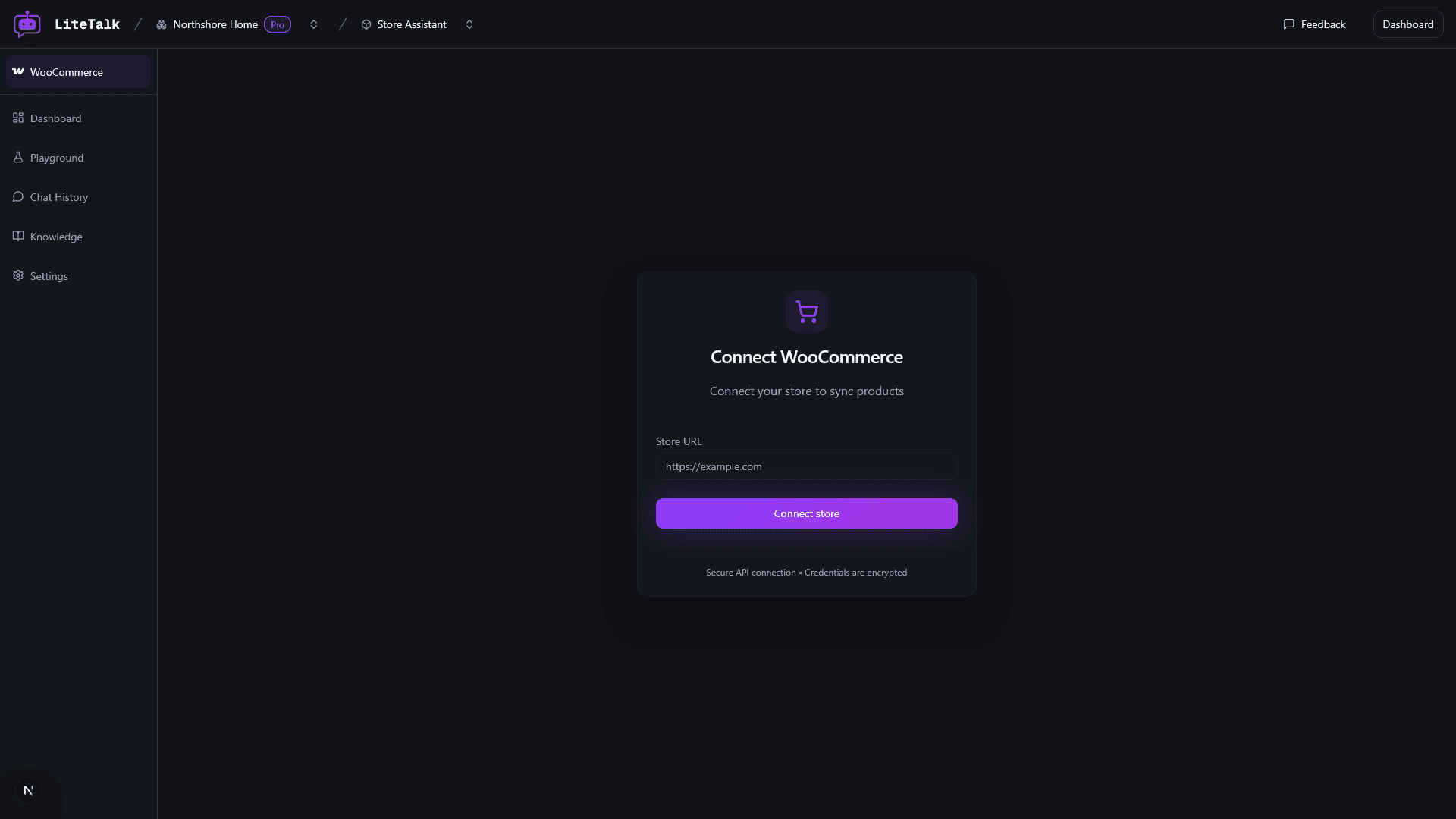
Enter Your Store URL
- Enter your WooCommerce store URL in the Store URL field
- Use your full store URL including
https://(e.g.,https://mystore.com)
The system will validate the URL format before proceeding.
Authorize the Integration
- Click the "Connect store" button
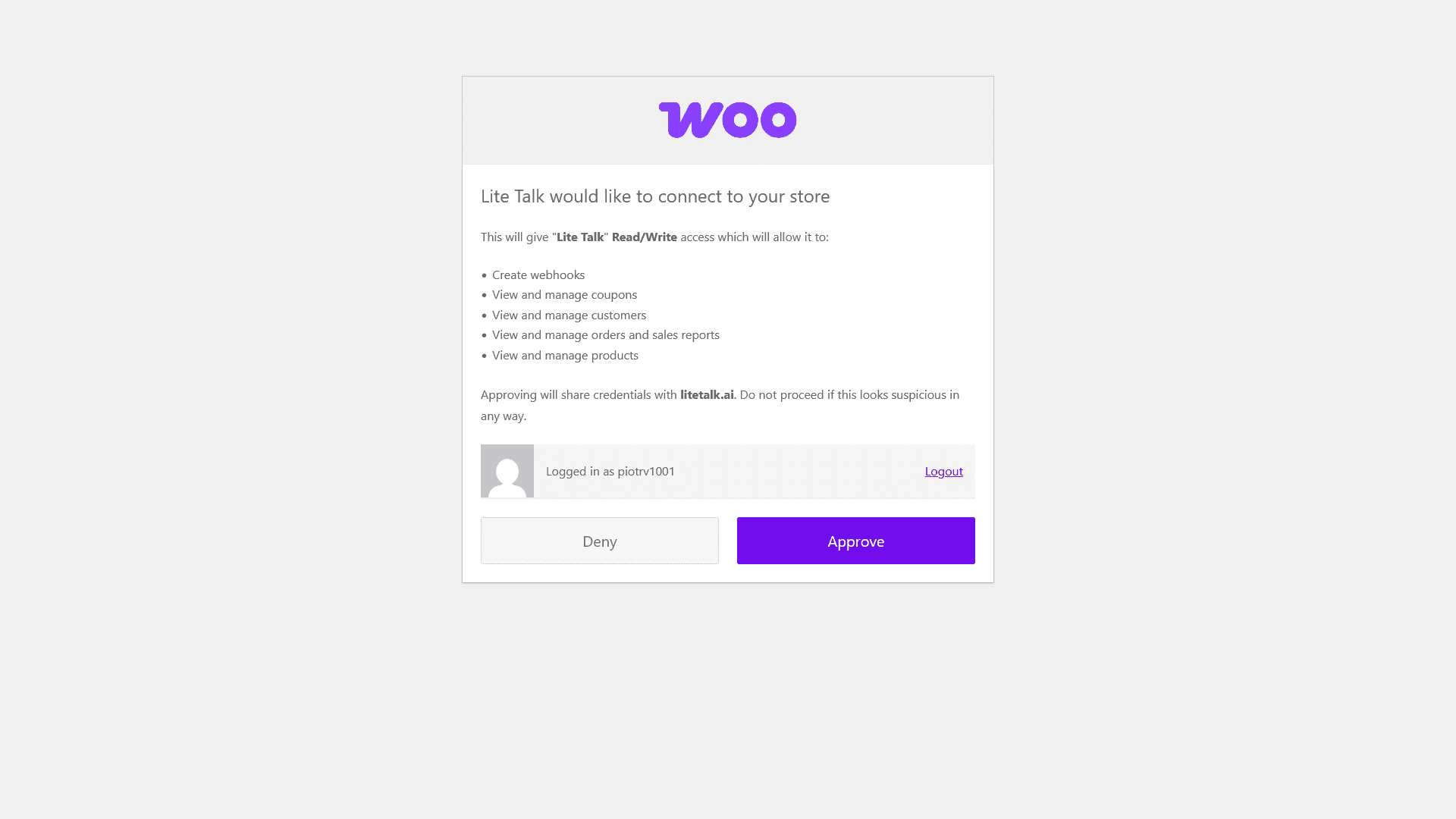
- You'll be redirected to your WooCommerce store's authorization page
- Review the permissions requested by the app
- Click "Approve" to authorize the integration
After authorization, you'll be redirected back to your chatbot, and the product sync will begin automatically.